Introduction
In a context of rapid change in working methods and the accelerated obsolescence of skills, effectively training employees is no longer an option.
Businesses no longer have a choice, they must equip themselves with LMS (Learning Management System) capable ofadapt training courses to individual needs, while ensuring a permanent accessibility, including for field teams and highly mobile employees.
Driven by the rise of tremblant, of Cloud And of theartificial intelligence (AI) the global LMS market is experiencing sustained growth. According to projections, it should record a average annual growth of 14% between 2025 and 2034, (1) to reach several tens of billions of dollars by 2030.
This dynamic has a direct consequence: a plethora of actors And a extreme fragmentation of supply. Result: for a manager, a training manager or an e-learning manager, identifying the solution that is really adapted to its challenges is becoming a complex exercise and time consuming.
To help you navigate this dense ecosystem, we selected and compared 8 best business LMSs in 2026.
Each platform was evaluated according to key operational criteria, directly linked to land uses and business expectations:
- nears Mobile-first
- Integrated AI
- Offline mode
- Gamification
- RGPD compliance
- quality of customer support (in French)
- ease of use
- quality-price ratio
Below you will find a synthetic comparative table, followed by a detailed analysis of each solution, in order to allow you to make an informed choice, adapted to your constraints and your training objectives.
Comparison table - choosing your LMS
| Rank | Solution | Main focus | Mobile-first | Offline mode | Gamification | Built-in AI | French support | GDPR-ready | Ease of use | Pricing | Best for |
|---|---|---|---|---|---|---|---|---|---|---|---|
| #1 | Beedeez | Field workforce training | ⭐⭐⭐⭐ | ⭐⭐⭐⭐⭐ | €€ | Companies with frontline workers: retail, industry, services | |||||
| #2 | 360Learning | Collaborative LMS & social learning | ⚠️ | ⚠️ | ⭐⭐⭐ | ⚠️ | ⭐⭐⭐⭐ | €€€ | Organizations focused on co-creating learning content | ||
| #3 | Didask | Cognitive learning & compliance | ⭐⭐⭐⭐ | ⭐⭐⭐ | €€€ | Regulatory training and certification programs | |||||
| #4 | Docebo | Enterprise LMS powered by AI | ⚠️ | ⚠️ | ⭐⭐⭐⭐⭐ | ⚠️ | ⭐⭐⭐ | €€€€ | Large international enterprises | ||
| #5 | Moodle Workplace | Customizable open-source LMS | ⚠️ | ⚠️ | ⚠️ | ⚠️ | ⭐⭐ | € | Organizations with strong IT capabilities | ||
| #6 | TalentLMS | Simple and fast-to-deploy LMS | ⚠️ | ⚠️ | ⭐⭐ | ⚠️ | ⭐⭐⭐⭐ | €€ | SMEs and office-based teams | ||
| #7 | Rise Up | French LMS focused on blended learning | ⚠️ | ⚠️ | ⭐⭐⭐ | ⭐⭐⭐ | €€€ | Management training and soft skills | |||
| #8 | iSpring Learn | Structured LMS for formal training | ⭐⭐ | ⚠️ | ⭐⭐⭐ | €€ | Traditional top-down training and classic catalogs |
The 8 LMS solutions for your business
#1 Beedeez, The LMS for field teams
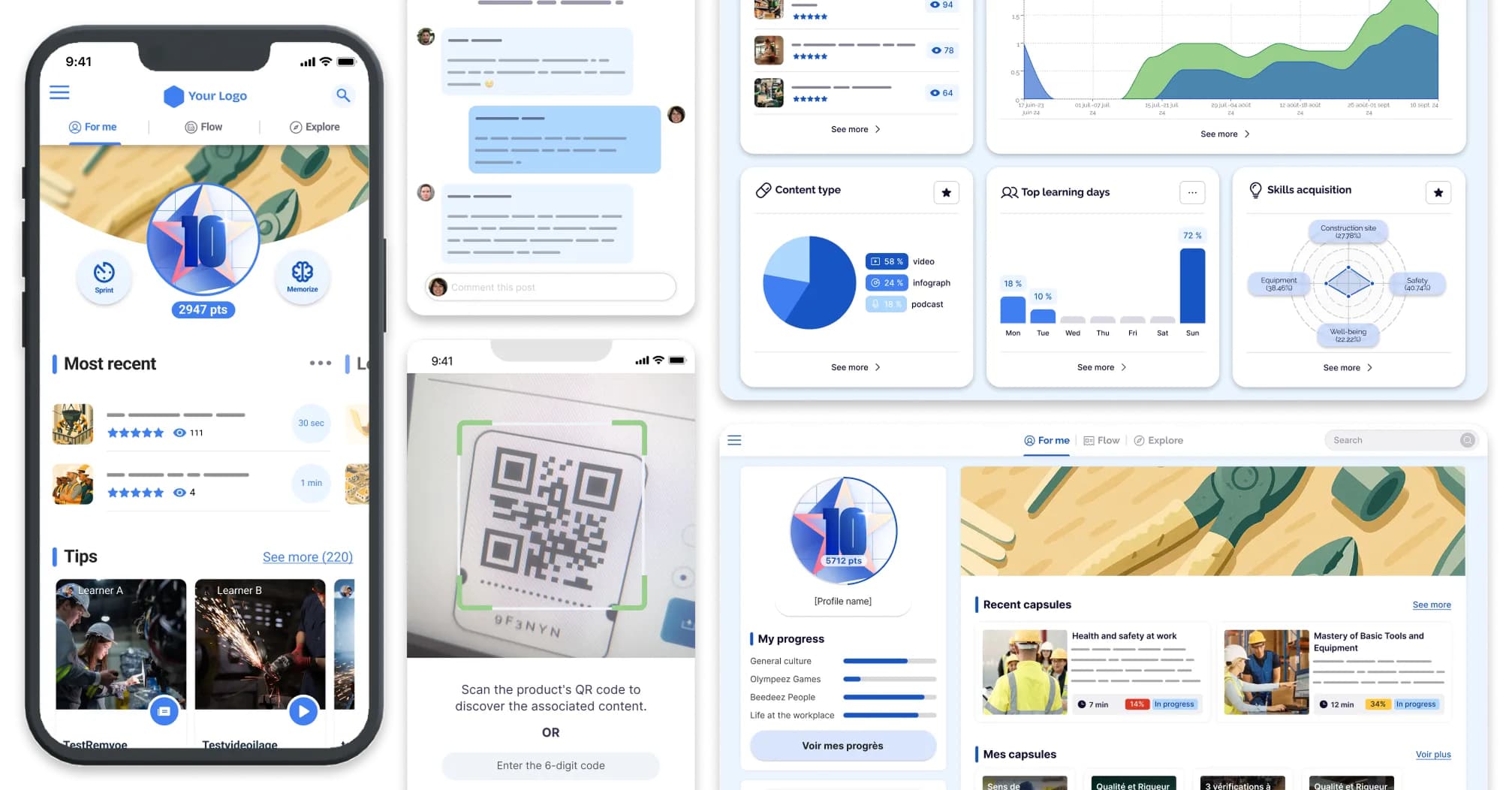
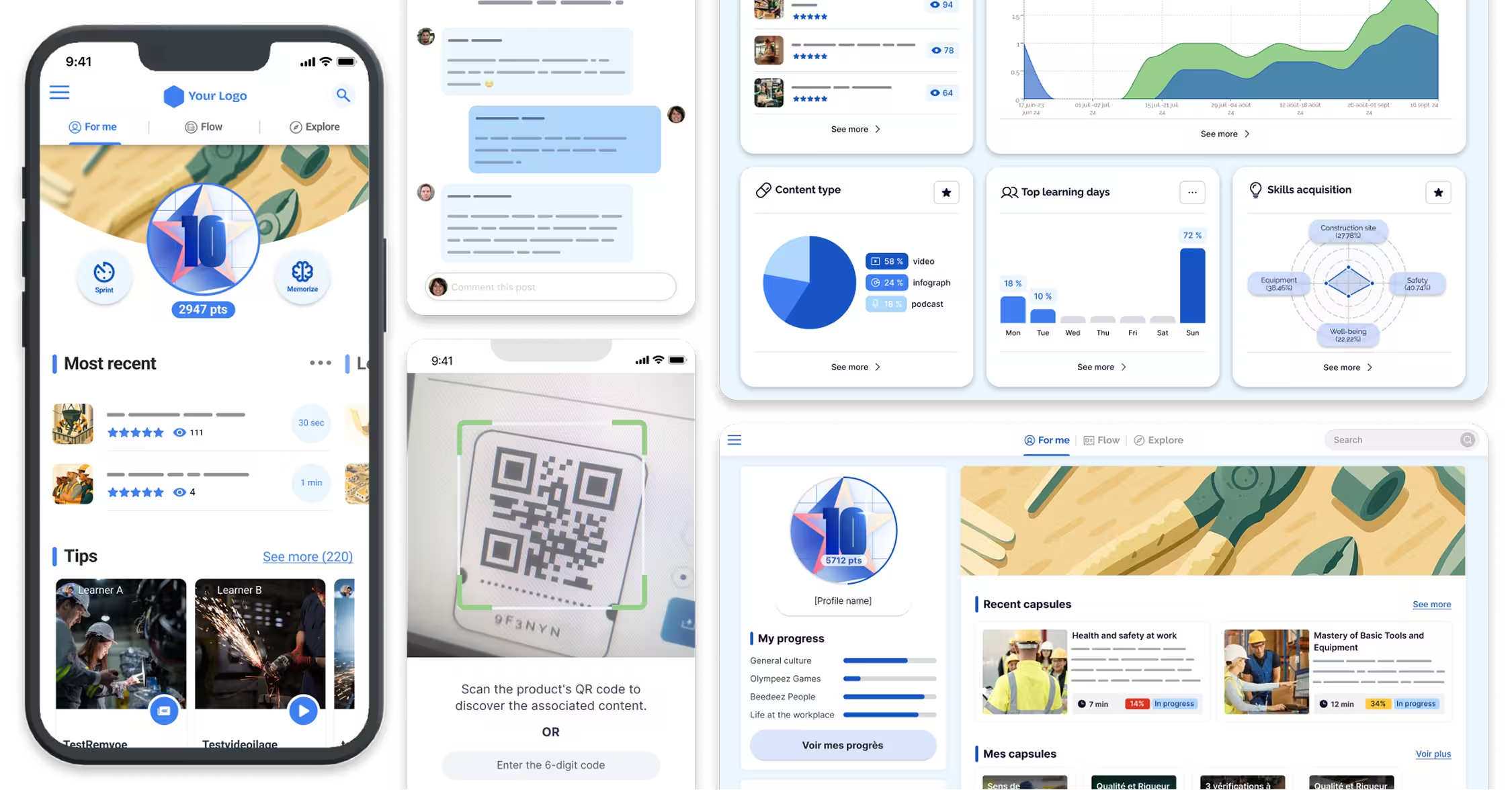
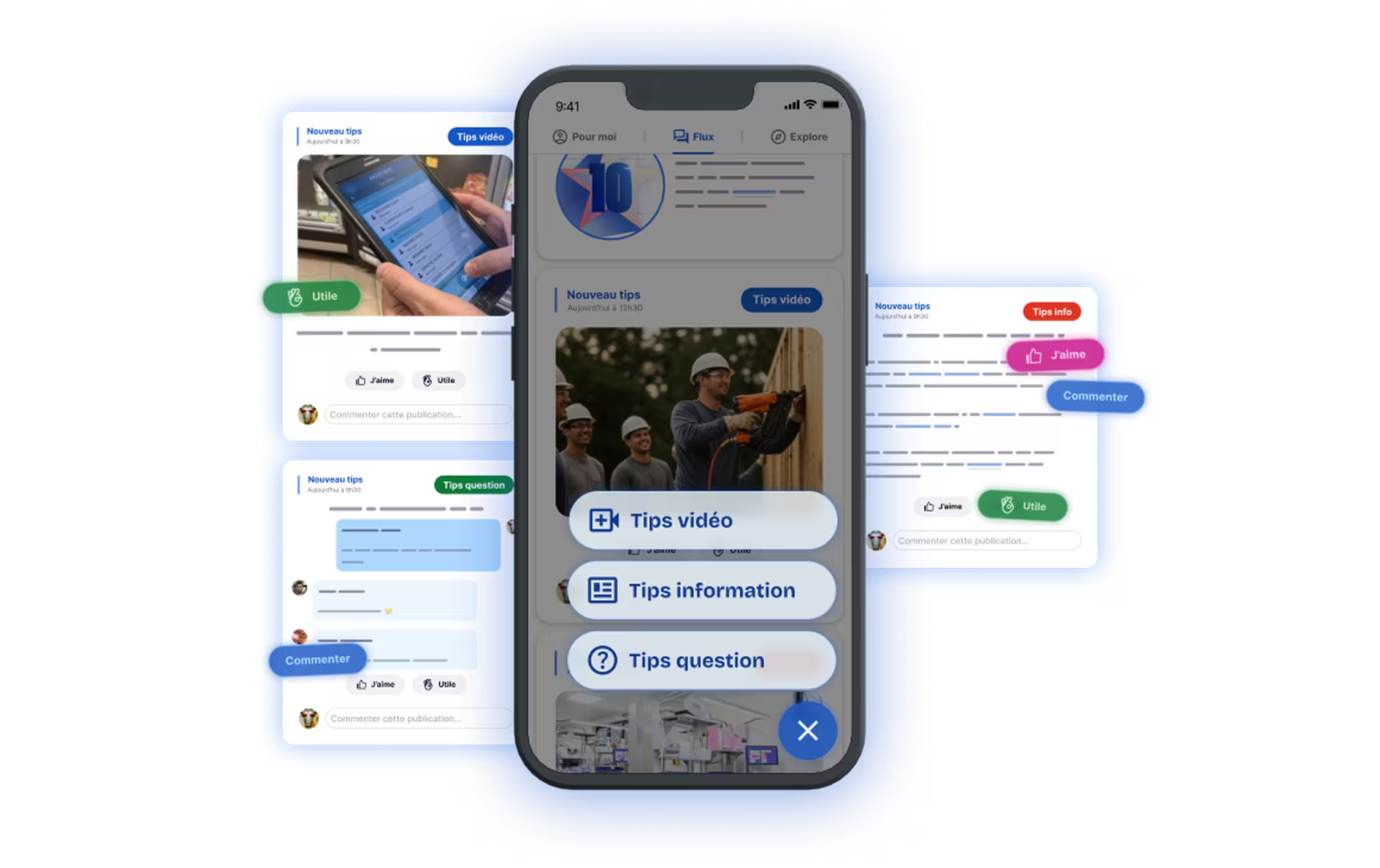
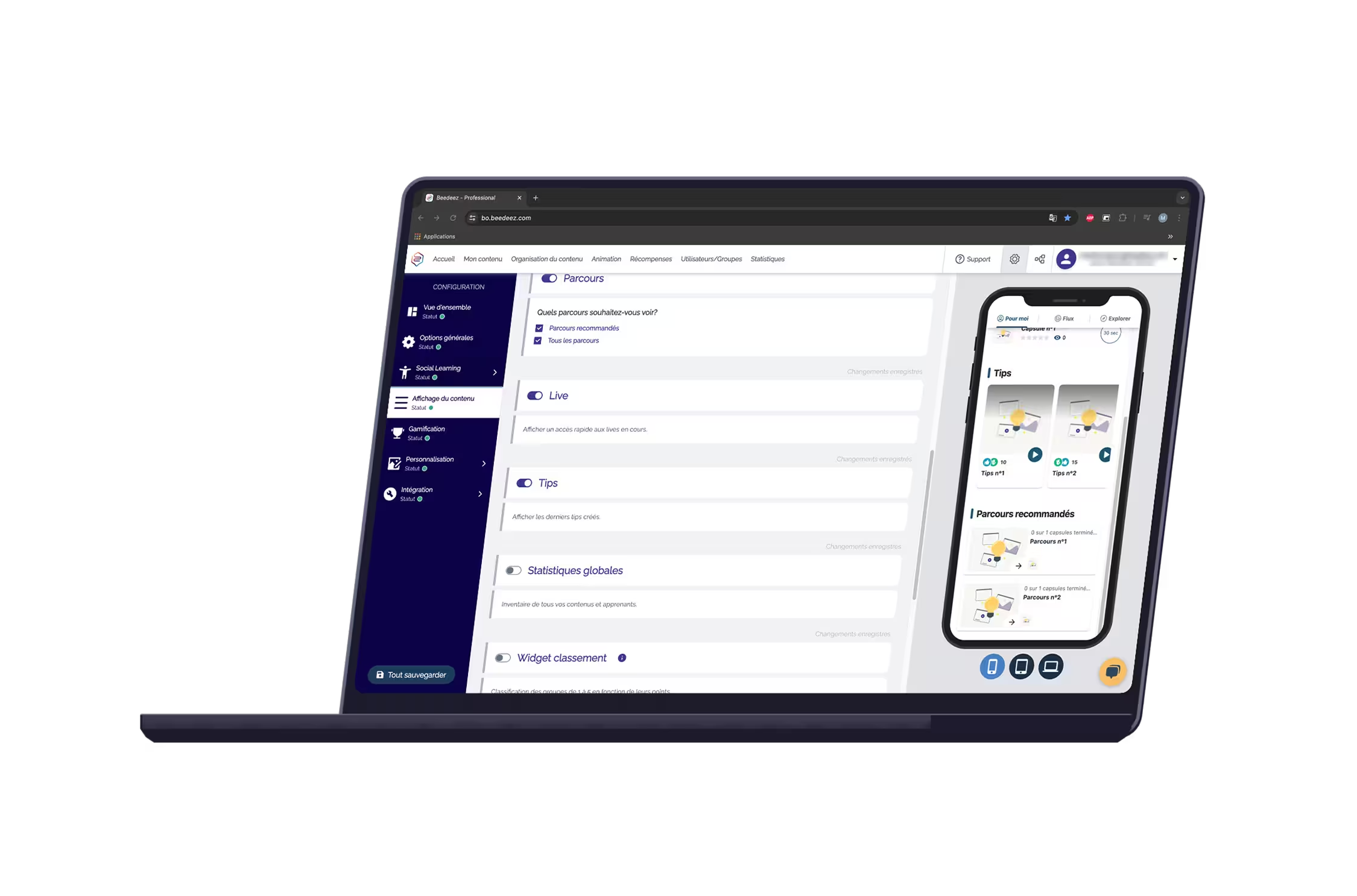
In short: Beedeez is a French LMS designed, designed for field teams, with mobile-first access and an offline mode, promoting engagement and continuous learning.
Strengths:
- Mobile-first and offline mode for use even without an Internet connection
- Integrated gamification and short content for maximum engagement (92%)
- Integrated AI for personalized recommendations and intelligent journey tracking
Points of vigilance:
- Less suitable for massive distance training such as classic e-learning on desktop
- Some advanced features require initial setup
Ideal for: industrial/logistics companies, retail, services, catering, and for teams dispersed geographically in the field.
Key figures: 2 M+ users, 92% engagement, present in 55 countries (multi-language LMS)
#2 360Learning, collaborative LMS and social learning
In short: LMS focused on social learning and the co-creation of content, promoting collaborative engagement.
Strengths:
- Collaborative platform with content creation by learners
- Analytics to monitor the effectiveness of training courses
- Intuitive interface for desktop users
Points of vigilance:
- Less optimized for field teams and offline mobile use
- Limited gamification
Ideal for: companies seeking to promote collective intelligence and continuing education through social learning.
Key figures: 1 M+ users, presence in 45 countries
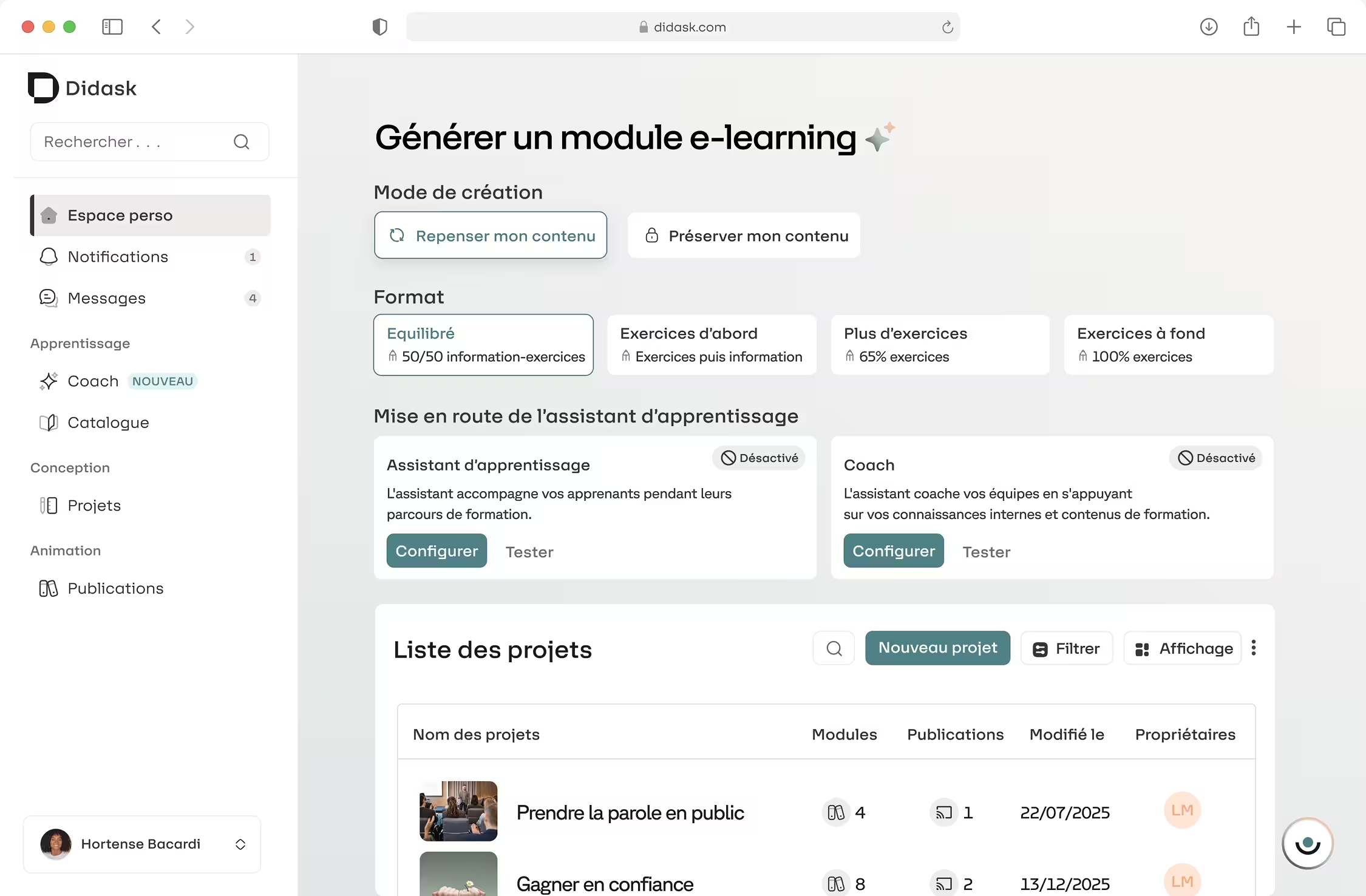
#3 Didask, LMS expert in cognitive pedagogy and compliance
In short: French LMS specialized in regulatory training and learning based on cognitive pedagogy.
Strengths:
- Qualifying apprenticeship paths
- Optimized pedagogical approach for memorization
- Dedicated French support
Points of vigilance:
- Poor mobile support and offline mode
- Few fun and gamified features
Ideal for: regulatory training, Compliance and professional certifications.
Key figures: 150,000+ users, 90% completion rate
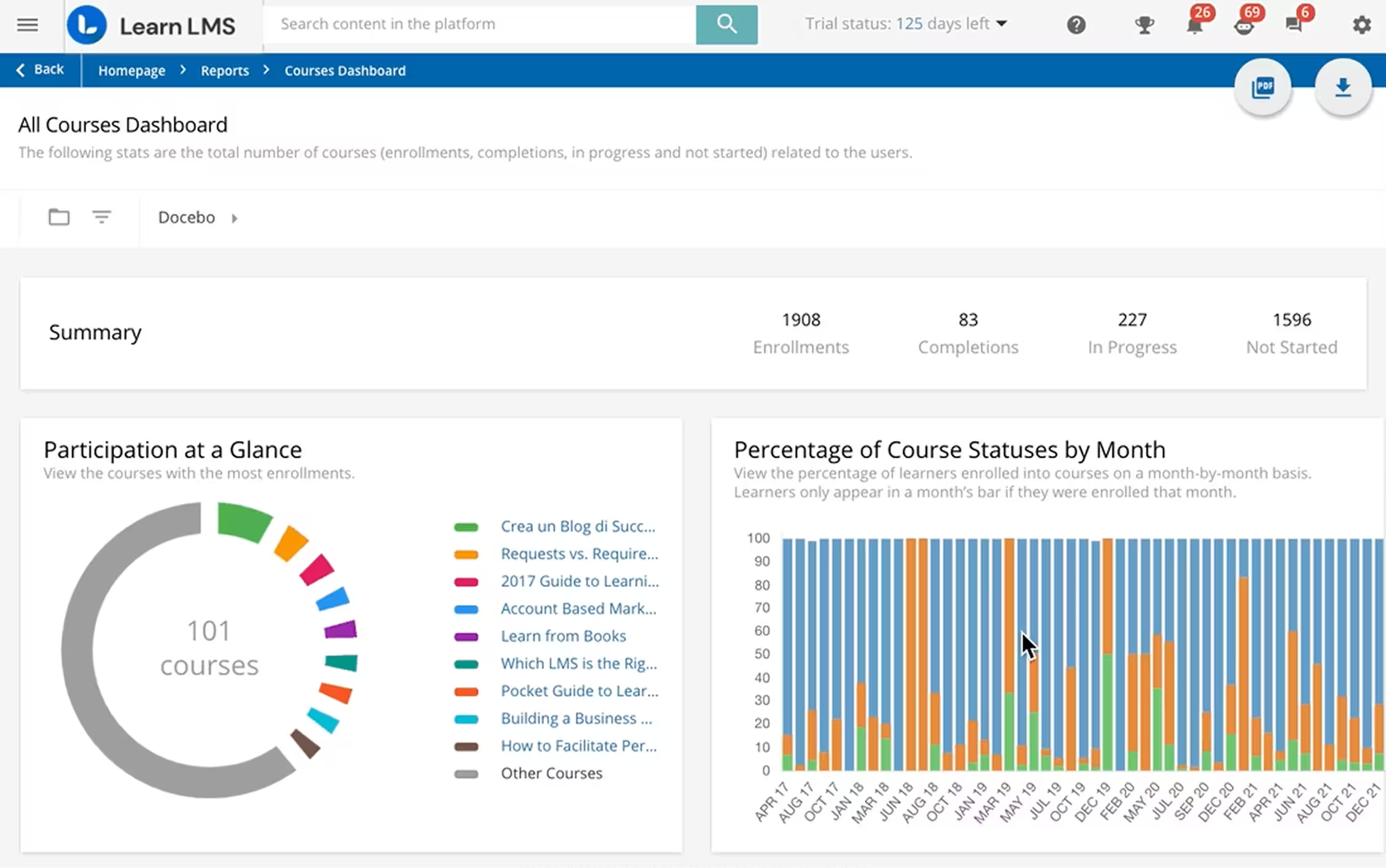
#4 Docebo, International LMS powered by AI
In short: Global LMS integrating AI and personalized recommendations.
Strengths:
- AI for journey personalization and advanced analytics
- Multi-language and adapted to large companies
- Integrations with numerous third-party tools
Points of vigilance:
- Partial mobile experience and lack of full offline mode
- High price for SMEs
Ideal for: large international organizations with AI needs and multiple integrations.
Key figures: 3 M+ users, present in more than 80 countries
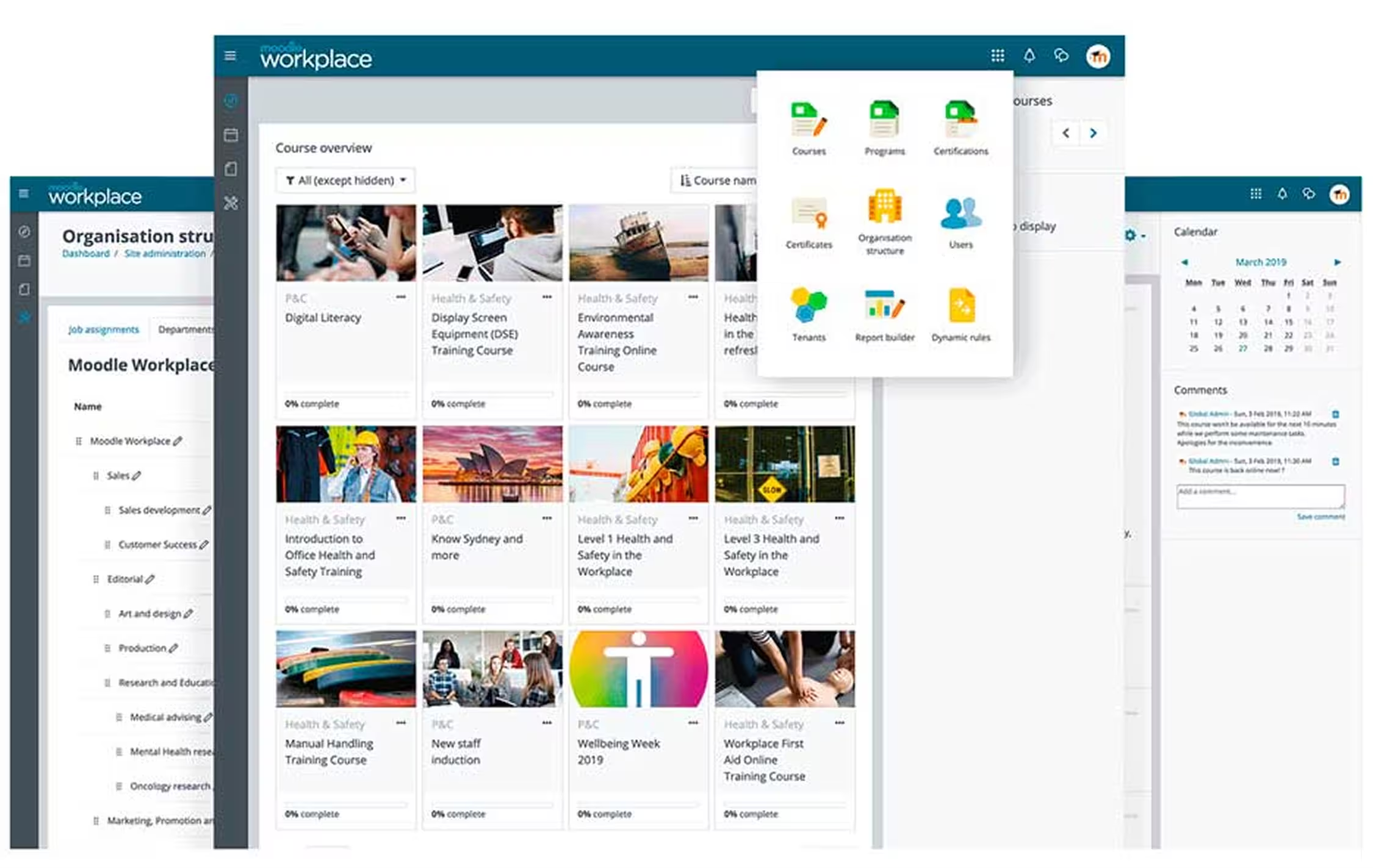
#5 Moodle Workplace, customizable open source LMS
In short: Enterprise version of Moodle, open-source LMS that can be customized according to internal IT needs.
Strengths:
- Flexible and extensible with plugins
- Broad community and documentation support
- Reduced license cost
Points of vigilance:
- Complex technical setup
- Less modern interface and not very adapted to mobile
Ideal for: organizations with a strong IT team and looking for advanced customization.
Key figures: 200,000+ user companies, global deployments
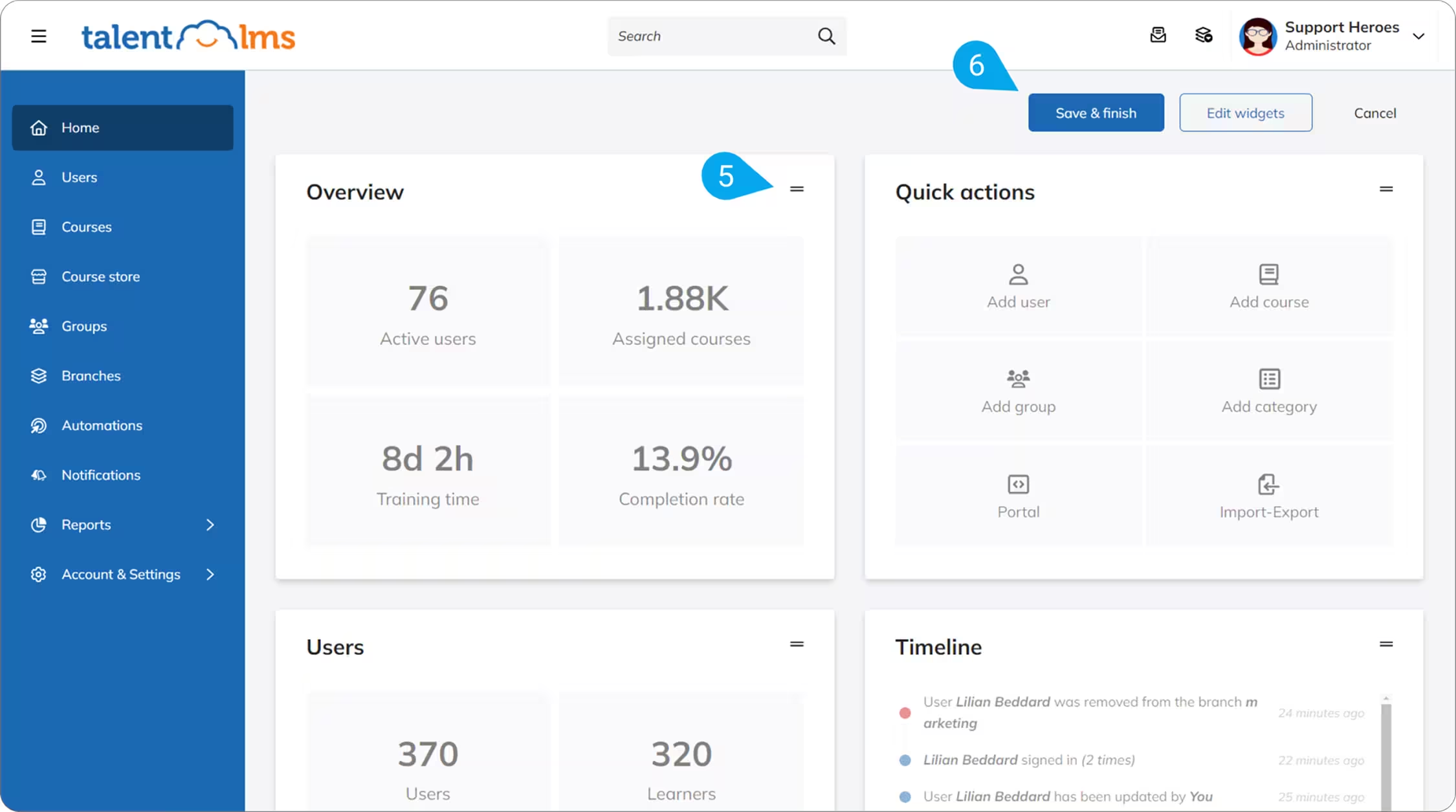
#6 TalentLMS, LMS simple and quick to deploy
In short: LMS that is simple, quick to set up and deploy for office teams.
Strengths:
- Intuitive and fast interface
- Integration with office tools
- Basic gamification
Points of vigilance:
- Limited mobile use
- No full offline mode
Ideal for: SMEs and teams that are mainly sedentary.
Key figures: 500,000+ users, 90+ countries
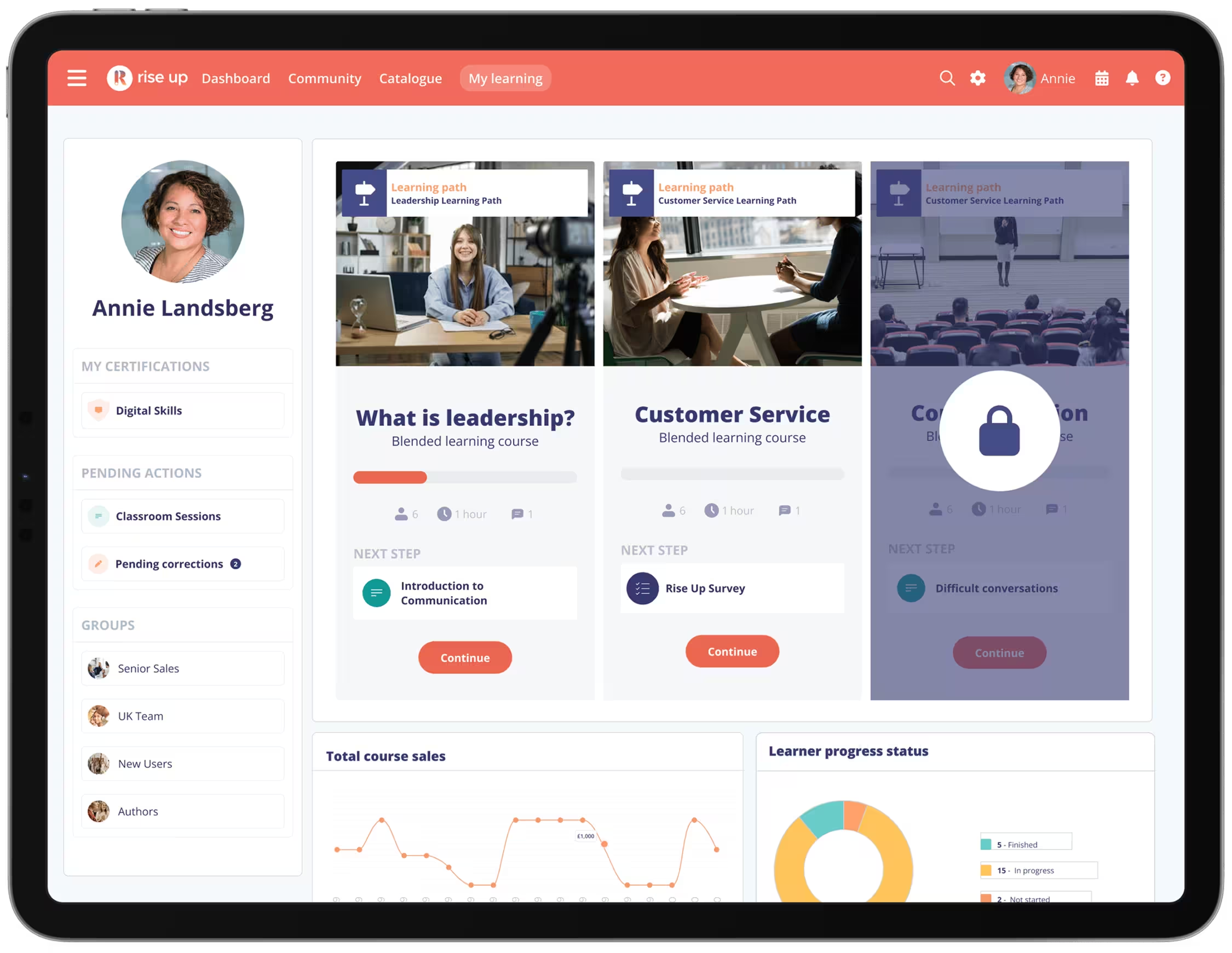
#7 Rise Up, French LMS oriented blended learning
In short: French LMS specialized in blended learning and soft skills training.
Strengths:
- Blended training (digital + face-to-face)
- French support and RGPD compliance
- Simple interface for managers and learners
Points of vigilance:
- Limited mobile compatibility
- Less suitable for dispersed field teams
Ideal for: managerial training, soft skills and mixed courses.
Key figures: 100,000+ users, 95% customer satisfaction
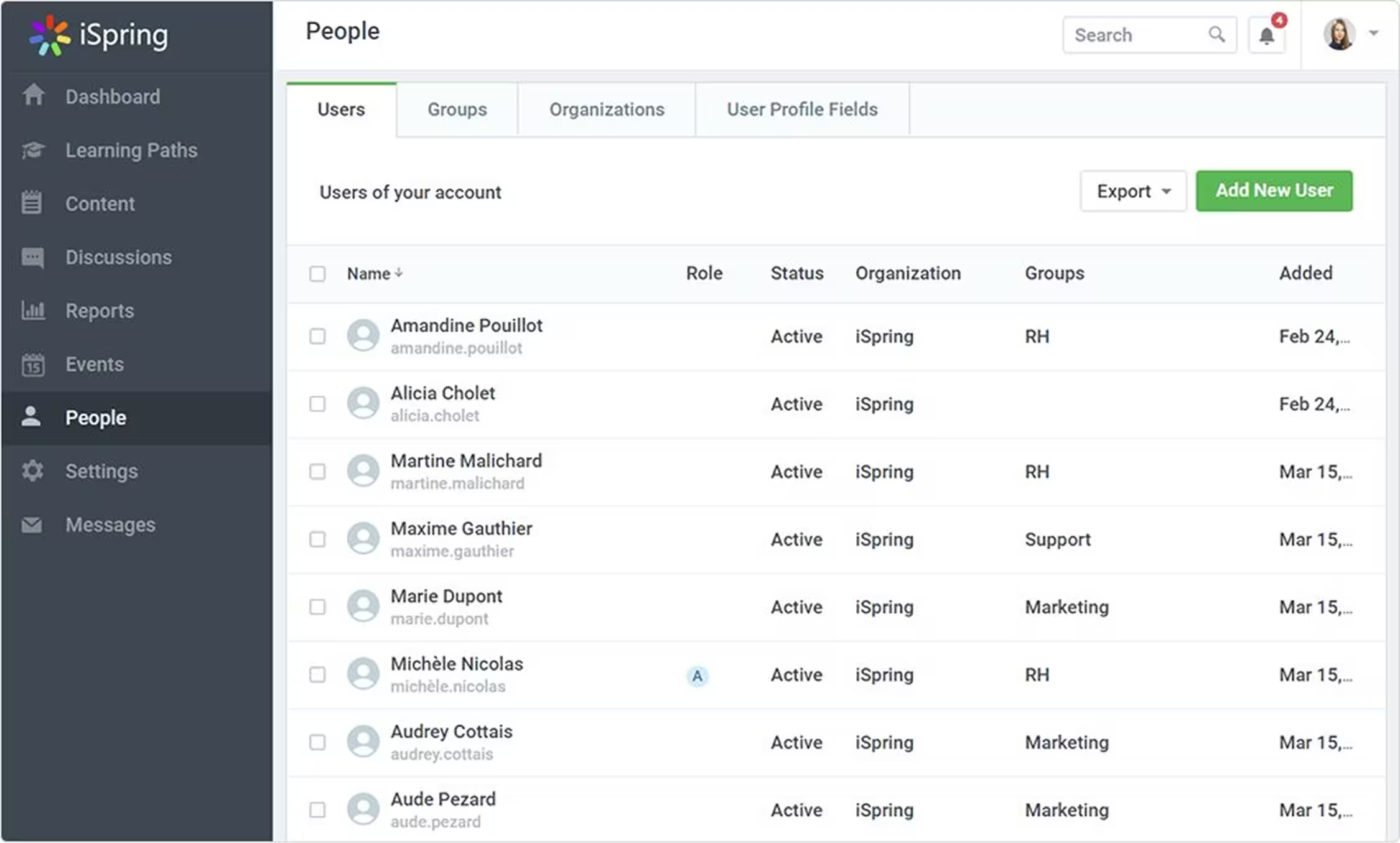
#8 iSpring Learn, structured LMS for formal training
In short: LMS adapted to traditional courses and type training catalogs top-down.
Strengths:
- Simple content management and evaluations
- Monitoring learner performance
- SCORM and xAPI integration
Points of vigilance:
- Limited mobile-first and no offline mode
- Few gamification options
Ideal for: top-down training courses and companies with structured catalogs.
Key figures: 250,000+ users, used in 40+ countries
How do you choose the best LMS for your business?
Today, 89% of businesses are already equipped with an LMS. (2) However, many are still struggling to achieve concrete results.
It is that beyond the simple list of functionalities, the real challenge lies elsewhere: it is a question of finding the solution capable of adapt to your real goals (3) and, above all, to operational constraints of your teams.
Here are the key steps to guide and refine your choice:
- Identify your target population
- Determine if your learners are mainly in the office, in the field, or on the move. Some platforms, like Beedeez, are optimized for field teams with a mobile-first and offline mode, while others such as TalentLMS or 360Learning are more aimed at sedentary employees.
- Define your priority criteria
- List what is crucial for your corporate training platform: mobile accessibility, gamification, integrated AI, course customization, or even integration with your existing tools. The comparison table above makes it possible to quickly identify which solutions meet each need.
- Assess the level of support needed
- Some field LMS offer dedicated and French-speaking support, others are only in English or require an internal IT team. Support is an important criterion for successful deployment.
- Verify GDPR compliance and security
- LMSs store sensitive data about your learners. Ensure that the chosen solution is GDPR compliant and offers robust security measures.
- Test before you buy
- Request demos and use free trials to ensure that the interface is intuitive and that the features really meet the needs of your learners.
By following these steps, you will be able to compare solutions objectively and choose an LMS that maximizes the commitment and effectiveness of training courses, while adapting to your organization and teams** . **
How much does an LMS cost in 2026: price per user and the costs nobody mentions
It is the first question asked in the boardroom and the worst documented by the market. Here are the reference points for building a defensible budget, and the items that blow it up once the contract is signed.
The four billing models
- Per registered user. You pay for every account created, whether it logs in or not. The most common model, and the most punishing when part of your workforce trains once or twice a year.
- Per active user. You only pay for accounts genuinely used in the period. The right model for high-turnover populations: seasonal workers, temporary staff, teams on rotation.
- Per headcount tier. A flat fee per band. Easy to budget, but crossing a band gets expensive.
- Platform licence. An annual flat fee independent of learner numbers, which only makes sense above several thousand employees.
The orders of magnitude
An LMS typically costs between 3 and 15 € per user per month, that is 36 to 180 € per user per year. The spread between the bottom and top of that range comes down to three factors: user volume, level of support, and advanced capabilities such as generative AI or offline mode.
Applied to a headcount, that gives very different annual envelopes:
- 100 employees: 3,600 to 18,000 € per year.
- 1,000 employees: 36,000 to 180,000 € per year, with volume discounts that usually pull the unit price down.
- 5,000 employees and above: billing usually shifts to a platform licence, and unit price stops being a meaningful comparison.
What the advertised price almost never includes
A vendor's headline rate covers access to the platform. It leaves out four items that often weigh as much as the subscription in year one:
- Setup and configuration: structure, permissions, mapping teams to managers.
- Migrating what you already have: accounts, training history, certifications still in force.
- Content production: the most underestimated item by far. An LMS delivered empty trains nobody. An authoring tool that lets your own people produce content changes this line dramatically.
- Integration with your systems: HRIS, single sign-on, compliance exports.
The only genuinely comparable figure: cost per active user
Comparing two offers on price per account created is meaningless. The right measure is cost per user who actually logs in. A platform billed at 5 € a month with 30% dormant accounts effectively costs over 16 € per active user, more than an offer advertised at 12 € and used by everyone.
This is exactly where the gap opens up on frontline populations, where effective login rates are the weak point of platforms designed for desk work. For building and defending the budget, see our guide to calculating the ROI of an LMS.
Which LMS to choose by company size
At equivalent functional need, the dominant constraint changes with headcount. Here is what should drive the decision in each case.
SMEs up to 250 employees: speed to launch
The constraint is not budget, it is available time. There is no dedicated project team and no instructional designer, and whoever runs the LMS already has another full-time job. Three criteria outweigh everything else: a rollout measured in weeks rather than months, an authoring tool usable without technical skills, and support that answers quickly.
What to rule out at this stage: platforms that require systems integration before you can produce a single course, and generic content catalogues that do not speak your trades. We set out the approach in our guide to rolling out an LMS in an SME.
Mid-market, 250 to 5,000 employees: mixed populations
This is where the subject genuinely gets hard, because the company trains profiles with nothing in common at the same time: support functions at a computer and operational teams with no fixed workstation. A platform that only serves one of them creates two-speed adoption, and it is always the field that drops off.
The deciding criteria: granular permissions by entity and by manager, the ability to deliver the same content as a long format at a desk and a short format on mobile, and compliance exports by scope. This is also the size at which certification traceability becomes a board-level subject.
Large groups above 5,000 employees: integration and proof
Unit price matters less than three requirements: integration with existing systems, multi-entity and multi-country governance, and the ability to produce audit-proof evidence. Rollout is measured in quarters, and the main risk is not choosing the tool but achieving real adoption once rollout is done.
At this scale, insist on a demo built on your own use cases rather than a generic one, and have it assessed against your hardest-to-reach populations, not the easiest.
Building a shortlist for an RFP
Consulting eight vendors costs weeks for an outcome rarely better than a tighter process. The point of shortlisting is to eliminate fast, on criteria you can verify without a demo.
Six criteria are enough to go from a long list to three or four candidates:
- The dominant population you train. Frontline or desk-based. This is the most discriminating filter, and the one that removes the most candidates with a single question.
- Offline operation. If your teams work in warehouses, basements, vehicles or on sites, a platform without a true offline mode is out, whatever its other qualities.
- How people log in. Some of your employees have no corporate email address. Check how they connect before anything else.
- Autonomous content production. Who will create the content, with which tool, and how long for one capsule.
- Compliance exports. Available formats, granularity, and above all reversibility: what do you take with you if you leave.
- Cost per active user over three years, integration and content production included, rather than the first-year licence price.
Once the shortlist is set, formalise your requirements before going to market: we published the full template of an LMS requirements document for frontline teams, with the weighted scoring grid and the scenarios to have demonstrated.
If your process starts from an existing platform that no longer does the job, data migration becomes a shortlisting question in itself: see our guide to replacing an ageing LMS.
Conclusion: which LMS should you choose?
The LMS market in 2026 is vast and diverse, with solutions adapted to very different needs. Depending on your context:
- For field and mobile teams, Beedeez remains the reference thanks to its mobile-first approach, its offline mode, gamification and a high engagement rate.
- For social learning and content co-creation, 360Learning is a powerful solution for office teams.
- For certification or regulatory courses, Didask offers educational expertise and robust compliance.
Other LMS such as Docebo, TalentLMS, Rise Up or iSpring Learn respond to more targeted uses, ranging from large-scale training for international groups, to blended learning, through more theoretical training courses or rapid and standardized deployments.
The final choice depends on several factors: the target population, the level of support expected, the required functionalities and GDPR compliance. Testing the platform via demos or free trials is essential to validate that it really meets your needs.
For field teams, Beedeez is the obvious choice. To discover in concrete terms how Beedeez can transform your field training, Request a demo today.
Frequently asked questions
What is the best LMS for businesses in 2026?
The choice depends on context and needs. For field teams, Beedeez LMS stands out with its mobile-first capabilities, offline mode, and high engagement rate. For office populations and collaborative teams, 360Learning or TalentLMS may be more suitable.
How much does an LMS cost per user per year?
Expect on average 3 to 15 € per user per month, that is 36 to 180 € per user per year. Price varies with user volume, level of support and advanced capabilities such as AI or offline mode.
Watch the billing model: paying per account created versus per genuinely active user changes the total completely when part of your workforce rarely logs in. The only comparable figure between two offers is cost per active user, integration and content production included, over three years. At Beedeez, the LMS built for frontline teams, billing is designed for high-turnover populations.
Budget on top of the subscription: setup, migrating history and certifications, content production and systems integration.
What is the difference between LMS and LXP?
The LMS (Learning Management System) manages training and its tracking: course creation, learner tracking, compliance. The LXP (Learning Experience Platform) personalizes the user experience by recommending content, promoting informal learning and social learning.
Which LMS should I choose to train field teams?
Beedeez is particularly suited thanks to its mobile-first design, offline mode, gamification, and short content. This allows field teams to learn quickly, even without Internet connection in mobile situations.
Are French LMS GDPR compliant?
Yes, several French LMS such as Beedeez, 360Learning, and Rise Up are natively GDPR compliant and guarantee the security of learners' personal data.
Can you trust review-site ratings when choosing an LMS?
They are useful on what a user can judge alone: ease of use, support quality and day-to-day reliability. They are much weaker on fit for a given population, because they are mostly posted by platform administrators rather than by learners.
In practice, a high overall score tells you nothing about your frontline teams' actual login rate. Two checks beat any ranking: ask for a demo on your own use cases, and have access tested by employees without a corporate email address, in real conditions including poor connectivity.
How do you build an LMS shortlist for an RFP?
Cut the long list to three or four candidates using six criteria you can verify without a demo: the dominant population you train (frontline or desk-based), offline operation, how people log in when they have no corporate email address, the ability to produce content in-house, compliance exports and their reversibility, and cost per active user over three years.
Then formalise your requirements before going to market, and have each candidate demonstrate on your own scenarios rather than on a generic demo.