In an organisation of several thousand employees, the question of which LMS to choose comes far too early. Architecture comes before the tool: how many distinct populations do you have to serve, which of them have a workstation and an email address, which work in the field with no fixed screen, across how many sites and countries. Two organisations can roll out the very same platform and get opposite results, because one designed its deployment around desk-based head office and the other around its deskless workforce.
Think in layers, not in features
An LMS deployment architecture stacks four layers, the populations and their access, the learning experience, governance, and the technical foundation, each of which has to hold up across thousands of employees spread over several sites and countries.
Which tool to choose is a false start. Two organisations roll out the same platform and get opposite results depending on how they built those four layers. The central tension to reconcile: two populations with opposing access needs, a desk-based head office that is already connected and a deskless field that is not, under shared governance.
In focus: most deployment projects at scale begin by scoping the needs of head office, because it is the most visible population and the easiest to interview. It is the opposite that should happen. Desk-based head office adapts easily to a platform designed for mobile. The reverse is rarely true.
Layer 1, the populations and their access
A population, in an LMS, is a group of employees sharing the same training need, the same level of access and the same working context.
Segment by working context
The first job is not to list job titles, but access contexts: desk-based head office, deskless field, mobile workers, seasonal staff, franchises, multiple countries. Two sales assistants may hold different jobs and share the same access context: a role with no fixed screen and a smartphone as their only tool.
The decisive case of employees with no work email address
This is the case that shapes the whole architecture. Some of your field teams have neither an account on the information system nor a work email address. An architecture built solely around SSO leaves them behind by design: you have to plan a dedicated access route, alongside SSO, from this very first layer.
Separate access profiles from administration roles
A learner, a line manager, a local champion, a central administrator: each has a different level of access and a different capacity to act. Collapsing those roles into a single model means either over-administering the field or under-equipping your line managers.
Watch out for this: design this layer from the deskless field, not from head office. Our article on the access constraint facing teams with no fixed workstation sets out the 5 criteria that decide the right tool for this specific audience.
Layer 2, experience and content by population
The experience layer describes what each population sees and follows: differentiated learning paths served on a common content core.
A common content core (brand, compliance, company culture) is adapted per population, it is not duplicated. The same compliance message exists in one version, adjusted at the surface to the format and pace of each audience.
On format, the field needs short training sequences, accessible on mobile and available offline. Head office can follow longer paths, at a fixed workstation, without that creating any access constraint. When the rollout spans several countries, the experience layer also carries languages and localisation: translating content is not enough, it has to be adapted to the local trade vocabulary.
Watch out for this: do not design the experience for head office and then shrink it for the field. A module designed for a large screen and then compressed for mobile is still a desktop module in a poor disguise.
Layer 3, multi-site and multi-country governance
Governance allocates who decides, who administers and who produces the content between the central level and the local levels.
The model that holds up at scale is a hub-and-spoke model: a common core defined centrally, with bounded autonomy locally. Rights management is thought through by population rather than by individual: what each person can see, follow, administer or publish flows from their profile, not from case-by-case configuration.
On a multi-country rollout, you also have languages, time zones, local obligations and data hosting with respect to the GDPR (the RGPD in French). Beedeez hosts in Europe, with bespoke options where the regulatory framework requires it.
Two symmetrical traps await in this layer. Over-centralisation, which stifles the field and slows down every local update. Over-delegation, which fragments the message from one site to the next and makes training inconsistent from one team to another.
Layer 4, the technical foundation: SSO and HRIS integrations
The technical foundation connects the LMS to the information system: SSO for employees who hold a company account, the HRIS to sync populations and HR movements.
SSO and automatic provisioning (directory, SCIM) work well for employees already on the information system. Its limit is clear-cut: some of the field has no account on the information system, so no SSO is possible. This is where the complementary access route set down in layer 1 becomes essential, not optional.
The HRIS integration syncs populations, joiners and leavers, and reporting lines, so that access rights automatically follow HR movements. Beedeez integrates natively with SAP SuccessFactors, Workday and TalentSoft. Before launching the integration, three things need scoping: the reference framework for populations, the sync frequency, and the handling of field exceptions (a seasonal worker with no stable payroll number, for instance).
Watch out for this: building the architecture solely around SSO amounts to leaving behind the very population the project set out to train first. To scope this technical workstream, our article on wiring up HRIS and SSO integrations sets out how to go about it.
Bring the architecture into service in phases, not with a big bang
A rollout at scale is run in successive phases, from the technical foundation to the pilot site, then in waves through to full rollout.
- P0FoundationSSO, HRIS integrations, access
- P1PilotOne population, one scope
- P2WavesProgressive rollout
- P3Steady stateGovernance and usage in place
Phase 0, the foundation
Population mapping, governance settled, HRIS and SSO integrations wired up, all before any launch to the teams. Nothing gets rolled out until that foundation is ready: this is what stops you rebuilding the architecture halfway through.
Phase 1, the pilot
One site or one representative field population, over a few weeks, to measure real adoption and adjust before extending. The pilot is there to correct the blind spots in the architecture, not to rubber-stamp a decision already taken.
Phase 2, the waves
Full rollout site by site or country by country. Each wave feeds the next: the adjustments made on wave 1 stop you reproducing the same friction on wave 2.
Phase 3, business as usual
The access lifecycle carries on after the rollout: joiners, internal moves, leavers, short-lived populations. Add to that the continuous updating of content and a steering effort that does not stop on launch day.
To keep the whole picture in view before you start, here is a summary of the four layers and what each one settles in practice.
| Layer | What it settles | Watch out for |
|---|---|---|
| Populations and access | Who needs training, with what level of access and what working context | Design from the deskless field, not from head office |
| Experience and content | What each population sees and follows, on a common core | Do not shrink content designed for the desktop |
| Multi-site governance | Who decides, who administers, who produces the content | Avoid both over-centralisation and over-delegation |
| Technical foundation (SSO, HRIS) | How the LMS connects to the information system | Plan a dedicated field access route alongside SSO |
Turning technical access into real use
Change management is the set of actions that turn technical access into real use, at every level of the rollout.
Having an account does not mean training. Line managers are the most effective adoption relay in the field: they are the ones who flag a deadline, who recognise a completed capsule, who escalate a usage blocker before it turns into a silent drop-off.
Reducing access friction for the field remains the most cost-effective lever: mobile-accessible, offline mode, simplified sign-up with no work email address. 61% of frontline workers have no access to mobile training (IFOP study): this is precisely the friction point that the architecture of the preceding layers has to remove.
Steer adoption through the indicators, activation by site, completion rate, engagement, from the very first wave rather than on launch day alone. Field teams using Beedeez reach an average of 95% completion and 92% engagement, with 156 capsules completed per employee per year. At Amorino, this approach cut team onboarding time by 30%. These are benchmarks to situate your own results against, not an automatic promise.
If the priority objective of your first wave is onboarding new recruits, our article on standardising onboarding at scale rounds out this section.
The role of an LMS built for field teams at scale
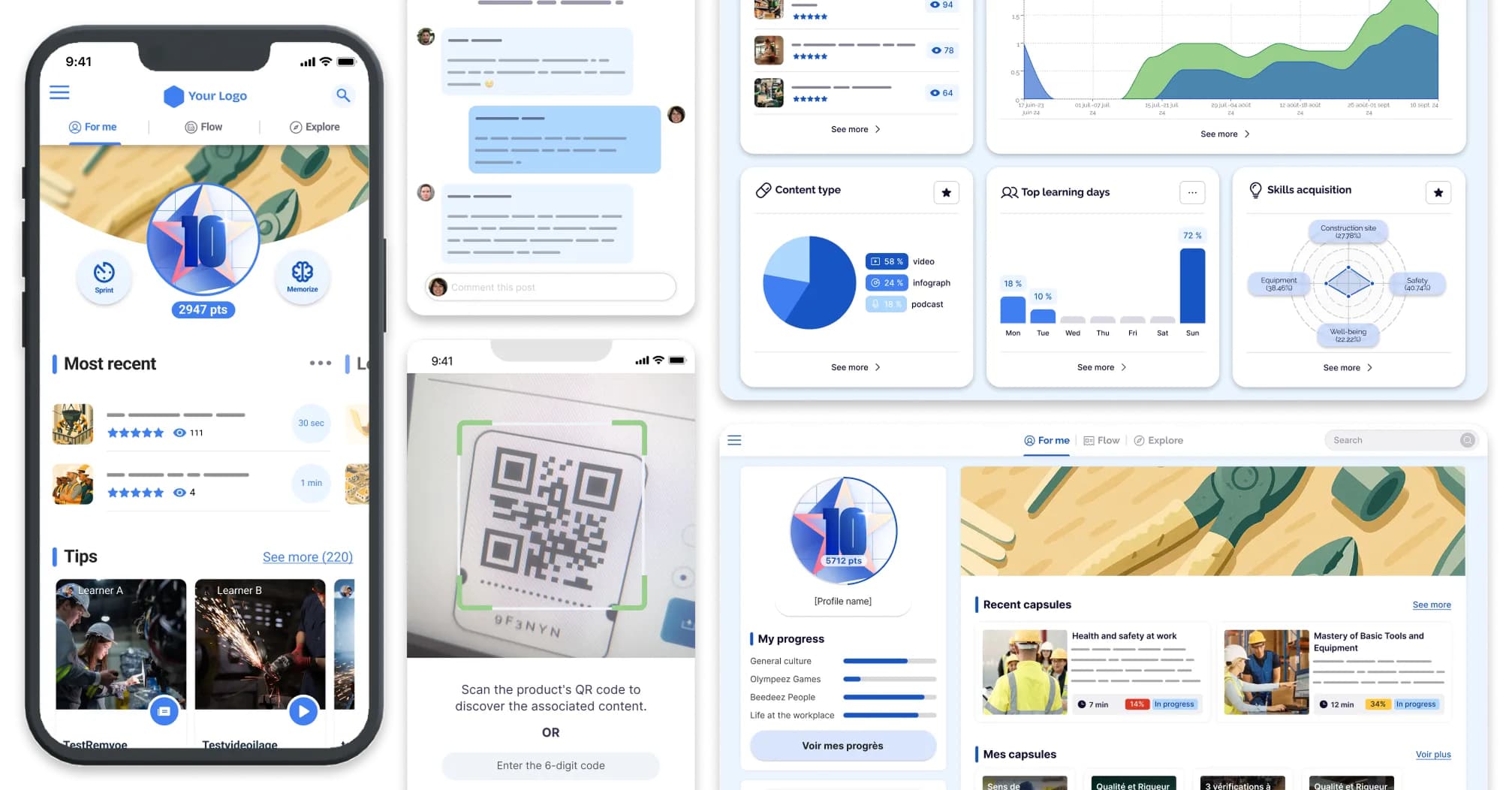
This layered architecture is easier to hold together when the platform was designed from the outset for deskless workers. Beedeez, the LMS built for field teams, natively covers mobile and offline access, short formats, sign-up without a work email address and knowledge sharing between teams, without any of these being modules bolted on after the fact.
Platforms designed first for desk-based head office push the complexity onto the field layer, precisely where the rollout is won or lost. A module that assumes a large screen and a permanent connection does not become usable on site simply by changing its export format.
For a wider view of what a fast rollout involves, our article on getting a fast launch right rounds out this architecture with a concrete method. And if your information system already handles a training component through your HRIS, our comparison of a dedicated LMS versus an HRIS module explains why the two do not play the same role.
You now have a blueprint for scoping your own rollout, rather than yet another survey of enterprise LMS platforms to compare on features. Book a Beedeez demo to see how this architecture is configured against your own population framework.