Having become very popular a few years ago, the webinar has found its place in business communication strategies. But what exactly is it about? How to set it up? And which platform should you choose? We explain everything to you!
What is a webinar?
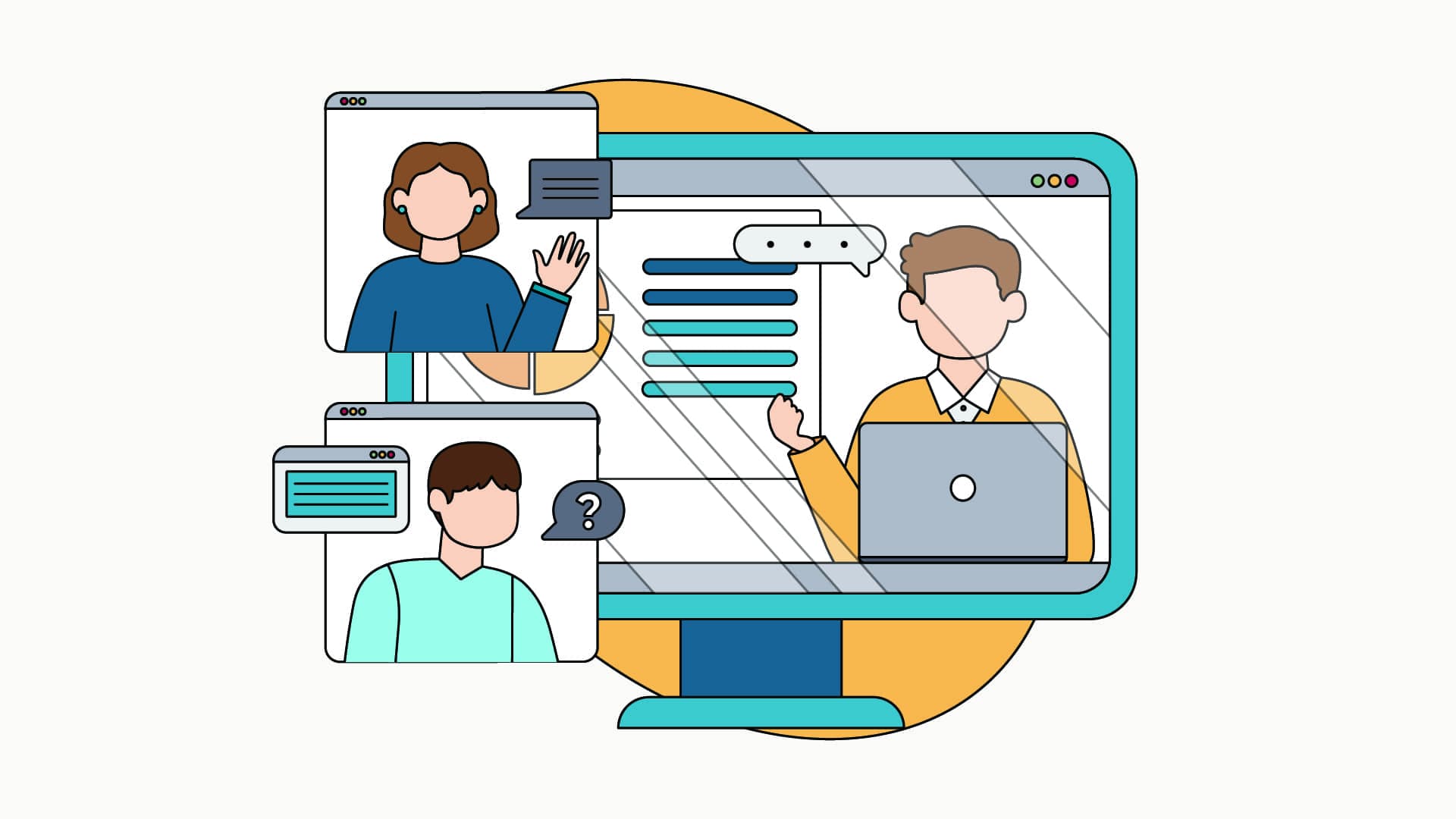
The term “webinar” (or “webinar” in English) comes from the contraction between the word “web” and “seminar”. It refers to a collective meeting or an online conference with:
- one or more speaker (s) remotely;
- participants who connect simultaneously on the platform and who can exchange live using a messaging system.
Is it possible to use the webinar for training?
For some businesses, the Webinar is a real support for vocational training. It allows organizers to communicate their resources or create a conference on a key concept, to a large audience.
It is also a very good format for collaborate on a project large-scale (strategy, marketing...). The facilitator can then transmit the information to a large number of people and facilitate decision-making and the progress of the project.
Finally, it's a good way to Communicate about the launch of a product or service. This is also the case with Apple Keynotes organized annually and broadcast all over the world.
How do I organize a webinar?
Organizing a webinar is quite easy to set up. To set it up, you will only need a computer with a camera, a good internet connection and a speaker (you?).
Here are a few steps you can take to organize your next webinar:
- Choose a subject that you control for the content of your webinar.
- Determine the format of your webinar (Powerpoint presentation, product demonstration, video, distribution tool...).
- Choose your speakers: it could be you or experts invited for the occasion.
- Write a script with the main points to be addressed to capture the attention of participants from the beginning to the end of the event.
- Pass on the invitation to the target in question.
- Send a reminder the day before or on the day of the event.
- Do a test before D-Day with other collaborators.
During the webinar, make sure that all participants are able to ask questions and that the information is well assimilateds (through surveys for example). The next day, feel free to send a questionnaire to your entire audience to ask for feedback.
The benefits and limitations of the webinar
Flexibility and accessibility
The main advantage of Webinar is its flexibility for the company and its accessibility for participants. It can be organized in any company, and can be viewed anywhere in the world. It therefore does not depend on any geographical or temporal constraints.
This is the perfect format if you don't want to waste too much time organizing an event and you have a limited budget.
And the last highlight of this format: webinars are often available in replay. Ideal, therefore, for your training courses or your masterclasses!
Technical and pedagogical limitations
But the webinar also has its limits. For your training courses, it is impossible to verify that your participants are fully attentive. This may impact the quality of learning.
Also, some participants, who are uncomfortable with technology, may not be able to connect or follow your online webinar. It will then be essential to find a plan B, with a redistribution system for example.